
How Wireless Charging Works and Why It Generates Heat
Inductive charging isn't magic. Understand the physics behind it, why it's slower than wired, and what that warmth means.
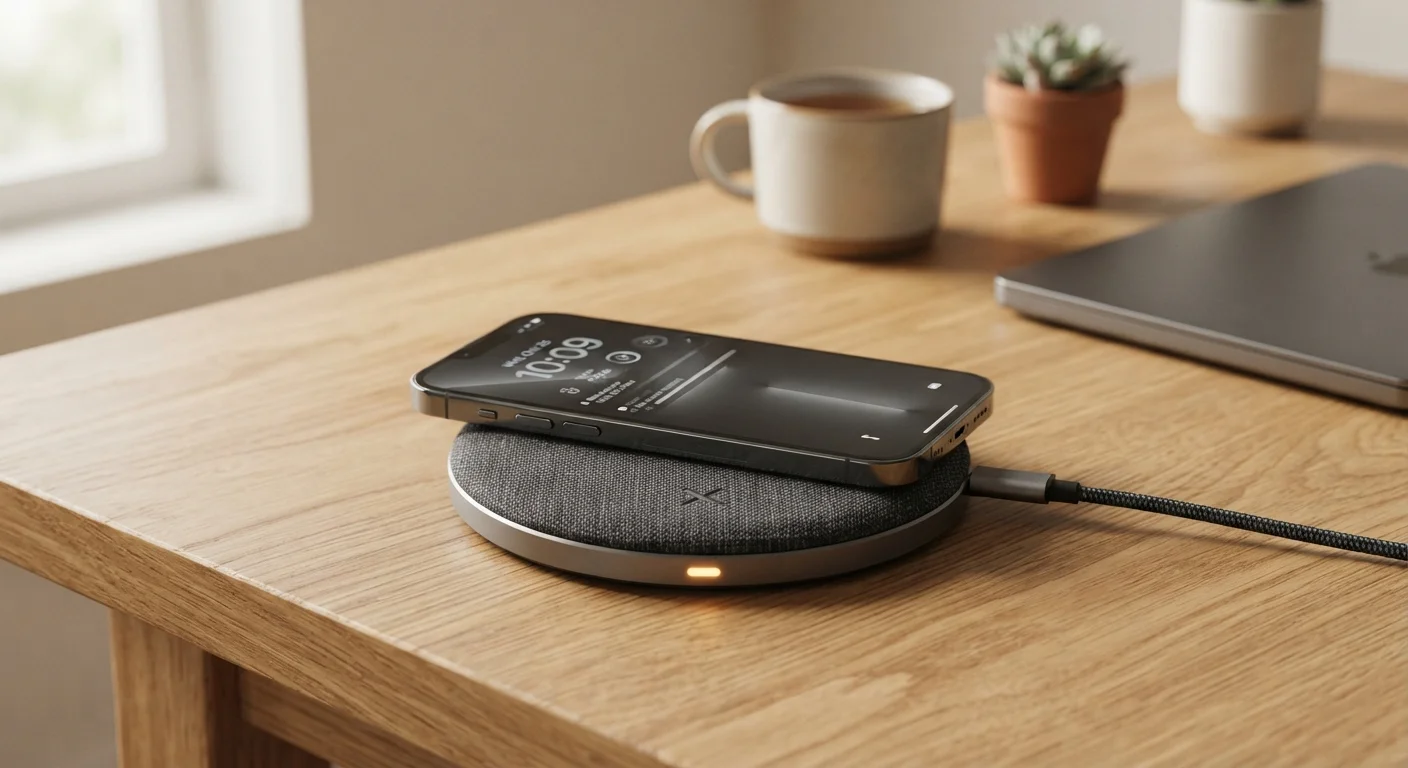
Photo: HorizonMetric.com | One Destination For Everyday Insights editorial
—— In This Article
Key Takeaways
- Wireless charging uses invisible magnetic fields, not radio waves or Wi-Fi signals.
- Energy transfer through a magnetic field is inherently less efficient than a direct cable connection.
- Heat generated during wireless charging is a normal byproduct of energy conversion, not a defect.
- Keeping your phone in a thick case or off-center on the pad increases heat and slows charging.
- Slower charge speeds mean wireless charging is best suited for overnight or desk top-ups.
The Basic Physics in Plain English
Picture two loops of wire sitting close together. Run electricity through the first loop and it creates a magnetic field — an invisible zone of energy around it. Place the second loop inside that field and the moving magnetic energy pushes electrons through that second wire, generating electricity. That's electromagnetic induction, and it's the engine behind every wireless charger you'll ever use.
Your charging pad contains one coil of wire. Your phone contains another. When you set the phone on the pad, those two coils line up close enough for the magnetic field to bridge the gap. The pad's coil runs on alternating current — electricity that rapidly reverses direction — because only a changing magnetic field can transfer energy this way. A steady field does nothing.
Coil Alignment Matters More Than You Think
Most wireless charging pads have a small target zone where the coils align best. Placing your phone even an inch off-center can noticeably slow charging and increase heat. If your phone charges slowly or gets unusually warm, try repositioning it at the center of the pad before assuming there's a problem with the hardware.
The alignment of those two coils matters more than most people realize. If your phone is even slightly off-center on the pad, the coils don't line up well and charging slows down while heat increases. Most pads have a small sweet spot, often marked by a circle or indicator light.
Why Wireless Charging Runs Slower — and Hotter
No energy transfer is perfectly efficient. Every time energy changes form — from electricity to a magnetic field and back to electricity — some of it escapes as heat. That's the unavoidable trade-off with wireless charging, and it's why the process produces noticeably more warmth than plugging in a cable.
~80%
Typical wireless charging efficiency rate
Energy transfer efficiency for common Qi wireless chargers is generally estimated at around 80%, meaning roughly 20% of power is lost — primarily as heat — compared to the near-direct transfer of a cable.
15W
Common peak wireless charging wattage
Many mid-to-high-tier smartphones support up to 15 watts of wireless charging, though actual battery delivery is lower after accounting for conversion losses.
With a direct cable, electricity flows straight from the charger into your phone's battery with very few conversion steps. Wireless charging adds extra steps: converting power into an alternating current, generating the magnetic field, and then re-converting that field back into usable electricity inside your phone. Each step leaks a little energy as heat.
This also explains the speed difference. A standard wired charger delivering 20 watts to your phone actually delivers close to 20 watts. A wireless pad rated at 15 watts may effectively deliver only 10–12 watts to the battery after conversion losses are accounted for.
Reduce Heat, Charge More Efficiently
Remove thick phone cases before wireless charging and place your phone precisely at the center of the pad. Avoid using your phone for demanding tasks — gaming, video streaming — while it's wirelessly charging. These simple steps reduce heat buildup and help the charger work closer to its rated speed.
What the Heat Actually Means for Your Phone
A warm phone on a charging pad is normal. Genuinely hot — uncomfortable to hold — is worth paying attention to. Extreme heat during charging can slow down the charge rate intentionally, because modern phones include thermal management systems that throttle charging when temperatures climb too high. This is a protective feature, not a glitch.
A few habits consistently make wireless charging run hotter than it needs to: leaving a very thick case on the phone, placing the phone off-center on the pad, using the phone heavily for graphics-intensive tasks while charging, and charging on a surface that itself traps heat (like a soft couch cushion). Removing the case and setting the phone precisely on the pad's center point are simple ways to reduce unnecessary heat.
As for long-term battery health, heat is the primary enemy of lithium-ion batteries. Occasional warmth is fine; repeated sessions of significant heat can accelerate battery wear over months and years. For most people, reserving wireless charging for overnight top-ups — when the phone is idle and ambient temperatures are cooler — is a practical approach that balances convenience with battery longevity.
Frequently Asked Questions

Technology Editorial Team
Technology Editorial Team is the collective byline for our editorial team and contributor network. Articles published under this byline or an editorial pen name are researched, written, and reviewed according to our editorial standards for clarity, consistency, and independence before publication.
View author profile