
Tablet or Laptop: Understanding the Real Trade-Offs
Neither is universally better. A clear breakdown of what tablets and laptops each do well — and where they fall short.
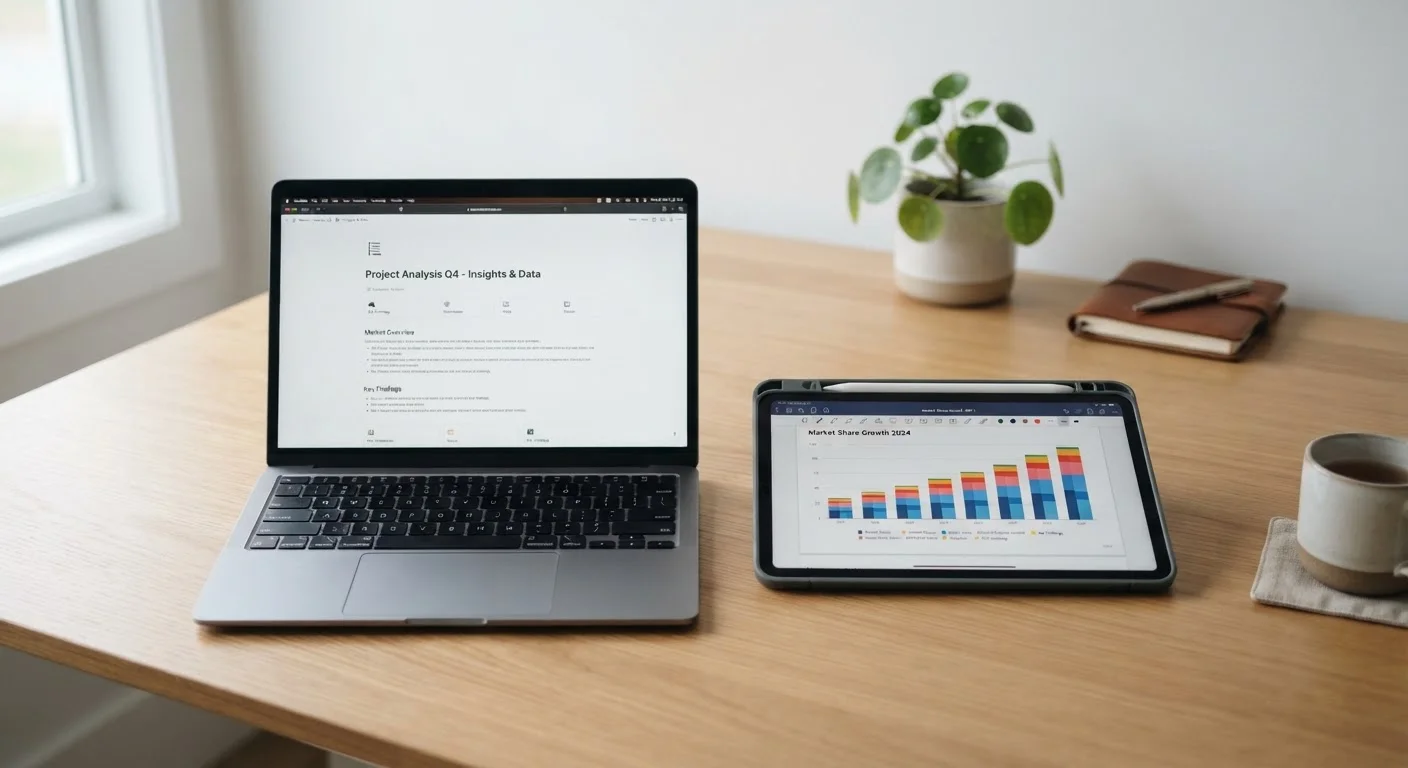
Photo: HorizonMetric.com | One Destination For Everyday Insights editorial
—— In This Article
Key Takeaways
- Tablets excel at media consumption, portability, and casual browsing but struggle with complex multitasking.
- Laptops handle typing-heavy work, specialized software, and file management more reliably.
- A keyboard accessory can blur the line, but doesn't fully close the gap between the two.
- Your daily habits — not specs — should drive the decision.
- Some users genuinely need both; many find one covers 90% of their needs.
Why This Decision Is Harder Than It Looks
Walk into any electronics retailer and you'll find tablets and laptops displayed practically side by side, with price tags that sometimes overlap entirely. That overlap creates real confusion — especially when manufacturers market tablets with keyboards and styluses that make them look like laptops.
The honest truth is that the hardware has converged in some ways, but the day-to-day experience of using each device still diverges significantly depending on what you're trying to do. Understanding those differences isn't about knowing specs — it's about matching the device to your actual habits. If you're also curious about how device choices affect broader usage patterns, see our look at managing screen time as an adult.
What Tablets Do Well — and Where They Hit a Wall
Tablets shine in a specific set of situations: reading articles or e-books, streaming video, video calling, light photo editing, and casual gaming. Their touchscreens feel intuitive for these tasks, and their slim, lightweight form makes them genuinely easy to carry and use from a couch, a plane seat, or a kitchen counter.
Battery life is another real advantage. Many tablets can run eight to twelve hours on a charge under typical use, outlasting most laptops in day-to-day practice.
The limitations appear quickly once you push beyond those casual uses. Typing anything longer than a short email on a glass touchscreen is tedious for most people. App ecosystems, while large, often lack the full desktop versions of professional software. File management — moving documents between apps, organizing folders, connecting to a work server — is more cumbersome than on a laptop. Multitasking across several open applications simultaneously is possible on modern tablets, but still less fluid than on a full operating system.
Don't Let Marketing Close the Gap for You
Tablet makers often position their devices as "laptop replacements" in advertising. For some users with light needs, that's accurate. For others — especially those who rely on job-specific software or complex file management — it overpromises. Evaluate based on your workflow, not the marketing copy on the box.
Adding a keyboard cover addresses the typing problem but introduces its own awkward trade-offs: most tablet-keyboard combos are less comfortable on an actual lap than a laptop with a built-in hinge, and they add cost that narrows the price gap considerably.
What Laptops Do Well — and Where They Frustrate
Laptops were built around a keyboard and a full operating system — and that foundation still matters. If your typical day involves writing documents, building spreadsheets, managing email across multiple accounts, joining video calls with screen-sharing, or running specialized software for work or school, a laptop is the more capable tool without compromise.
Full operating systems (Windows, macOS, ChromeOS) handle complex file structures, connect to printers and external drives more predictably, and support a wider range of professional applications. If your work involves anything industry-specific — accounting software, design tools, coding environments — a laptop is almost certainly what that software was designed for.
Try Before You Commit
If possible, spend time actually using each type of device for your typical tasks before deciding. Many libraries and some retailers have display models available. Forty-five minutes of real use will tell you more than any spec comparison. Pay attention to how the keyboard and screen feel for the things you actually do, not hypothetical future tasks.
The frustrations with laptops are mostly physical: they're heavier, bulkier, and usually require more careful handling. Fanless ultrabooks have improved battery life, but a working laptop used for demanding tasks often needs charging mid-day. And for simple tasks like reading in bed, a laptop can feel like overkill.
It's also worth understanding the internal trade-offs in any device you're evaluating. Our explainer on RAM vs. storage breaks down a common point of confusion that affects both tablets and laptops.
Side-by-Side: Key Trade-Offs at a Glance
The table below summarizes how tablets and laptops compare across the criteria that matter most for everyday decisions.
| Tablet | Laptop | |
|---|---|---|
| Portability | Lighter, slimmer, easier to carry | Heavier, bulkier, less grab-and-go |
| Typing comfort | Touchscreen only; keyboard add-on awkward | Built-in keyboard, far more comfortable |
| Battery life | Often 8–12 hours typical use | Varies widely; 5–10 hours common |
| Software depth | Mobile apps; gaps in professional software | Full desktop apps and broader compatibility |
| Multitasking | Improving but still limited | Strong; designed for multiple open apps |
| File & device management | Cumbersome; limited external device support | Straightforward; connects to most peripherals |
| Ease of casual use | Intuitive touchscreen; great for media | Keyboard/trackpad less ideal for casual tasks |
| Price range | Wide range; entry models are affordable | Wide range; capable models cost more |
Making the Call — and Taking Care of What You Choose
Start with one honest question: What do I actually do on a screen most days? If your answer is mostly watching, reading, and light browsing, a tablet will likely cover you well and feel less burdensome. If your answer involves regular writing, job-related tasks, or software that doesn't exist as a mobile app, a laptop is the more practical investment.
Some households benefit from having both — a laptop for working at a desk and a tablet for the couch or travel — but that's only worthwhile if both devices genuinely get used. Buying two devices "just in case" often means one collects dust.
Whichever device you choose, how you maintain it matters as much as what you buy. Our practical guide on keeping your devices running well for longer covers habits that extend the useful life of both tablets and laptops.

Technology Editorial Team
Technology Editorial Team is the collective byline for our editorial team and contributor network. Articles published under this byline or an editorial pen name are researched, written, and reviewed according to our editorial standards for clarity, consistency, and independence before publication.
View author profile