
What Actually Happens When You Tap a Touchscreen
Capacitive, resistive, or OLED? Learn the real science behind how your phone's screen senses your finger.
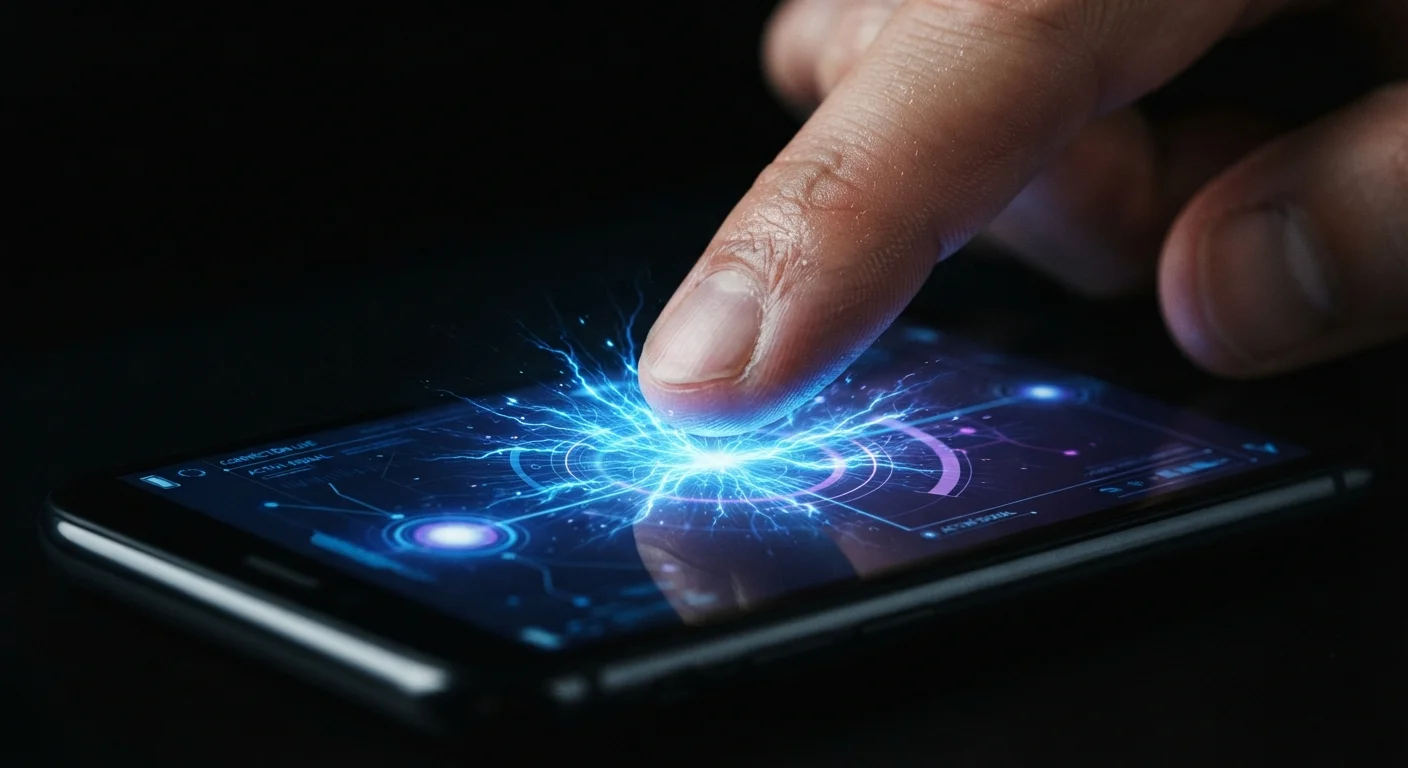
Photo: HorizonMetric.com | One Destination For Everyday Insights editorial
—— In This Article
Key Takeaways
- Modern smartphone screens are capacitive — they detect the electrical charge in your skin, not physical pressure.
- Resistive touchscreens (older tech) work by pressing two conductive layers together — that's why they respond to any object.
- Capacitive screens can track multiple fingers simultaneously, enabling pinch-to-zoom and other gestures.
- The touchscreen layer and the display layer are two separate components stacked together.
- Gloves block capacitive sensing because most materials don't conduct electricity the way skin does.
Your Finger Is Electrically Charged (Slightly)
The human body carries a small, naturally occurring electrical charge at all times. It's nothing dramatic — you won't feel it — but it's real. The glass on a capacitive touchscreen is coated with a transparent conductive material arranged in a dense grid of rows and columns. That grid holds a steady, low-level electric field across the whole surface.
The instant your fingertip comes close to the glass — it doesn't even have to touch it hard — your body's charge disturbs that electric field at a specific point on the grid. Sensors at the edges of the screen measure exactly how much the field changed in each row and column. Where the two measurements intersect, that's your tap. The whole detection cycle happens hundreds of times per second, which is why dragging and scrolling feel continuous and smooth.
“The touchscreen was one of the most significant interface shifts in consumer electronics — it removed the barrier between the user's intention and the device's response in a way that keyboards and mice never fully achieved.”
— Bill Buxton, Human-computer interaction researcher and author of 'Sketching User Experiences'
The Older Way: Resistive Screens
Before capacitive screens became the standard, most touchscreens used a different approach called resistive technology. A resistive screen has two flexible conductive layers separated by a tiny gap of air. When you press down — with a finger, a stylus, or even a pen cap — the top layer bends and makes contact with the bottom layer, completing a circuit at that location.
The screen then measures the electrical resistance at the contact point to calculate the position. Resistive screens were common on older GPS units, ATMs, and early personal digital assistants (PDAs). They work with any object that applies pressure, which is useful in some industrial settings. The trade-off: they typically can't track more than one touch point at a time, so pinch-to-zoom gestures simply aren't possible.
Resistive Screens Aren't Obsolete Everywhere
While resistive technology has largely disappeared from consumer smartphones, it remains in active use in industrial terminals, medical equipment, and environments where operators wear gloves or use tools. Durability and the ability to respond to any object — not just bare skin — make it the practical choice in those settings.
Multi-Touch and the Grid That Makes It Possible
One of the biggest leaps in touchscreen design was the ability to detect multiple fingers at once — what engineers call multi-touch. With a capacitive grid, the sensor can detect disturbances at several separate coordinates simultaneously. Software then interprets what those simultaneous points mean: two fingers moving apart signals 'zoom in,' two fingers rotating signals 'rotate the image,' and so on.
The screen itself doesn't 'know' what a pinch gesture means — it just reports a set of coordinates. Your phone's operating system translates those coordinates into actions, which is why the same physical screen can behave differently depending on whether you're in a photo app or a game. Understanding this separation of hardware and software helps explain why every component inside your phone has a distinct job.
120Hz
Common screen refresh rate on flagship phones
Many modern smartphones poll the touchscreen for input at rates matching or exceeding the display refresh rate, reducing perceived lag between touch and response.
~1mm
Detection distance above the glass
Capacitive sensors can register a fingertip before it fully contacts the surface, which is why a very light hover can sometimes register as a tap on sensitive screens.
The Display Underneath Is a Separate Story
It's easy to think of the 'screen' as one thing, but it's actually two separate systems sandwiched together. The touch digitizer — that conductive grid — sits on top. Beneath it is the display, which is either an LCD (liquid crystal display) or an OLED (organic light-emitting diode) panel. The display's only job is to produce the picture; it plays no role in detecting your touch.
OLED displays emit light from each individual pixel, which allows for deep blacks and vibrant colors. LCDs use a backlight behind a layer of liquid crystals. Neither type inherently affects how the touchscreen senses input. When manufacturers bond both layers tightly together — a process called lamination — it reduces the visual gap between your finger and the pixels beneath the glass, making the screen feel more responsive to the eye even if the underlying electronics haven't changed.
Keep Your Screen Clean for Better Accuracy
Oils, dirt, and moisture on the screen surface can interfere with the capacitive field and cause missed or erratic taps. A quick wipe with a dry microfiber cloth restores the clean conductive surface the sensor needs. Avoid wet cloths or paper towels, which can leave residue or scratch the oleophobic (oil-repelling) coating.
Frequently Asked Questions

Technology Editorial Team
Technology Editorial Team is the collective byline for our editorial team and contributor network. Articles published under this byline or an editorial pen name are researched, written, and reviewed according to our editorial standards for clarity, consistency, and independence before publication.
View author profile