
Wi-Fi vs. Cellular Data: Which One Is Your Phone Actually Using?
Your phone switches between Wi-Fi and cell data constantly. Here's how that decision gets made and why it matters.
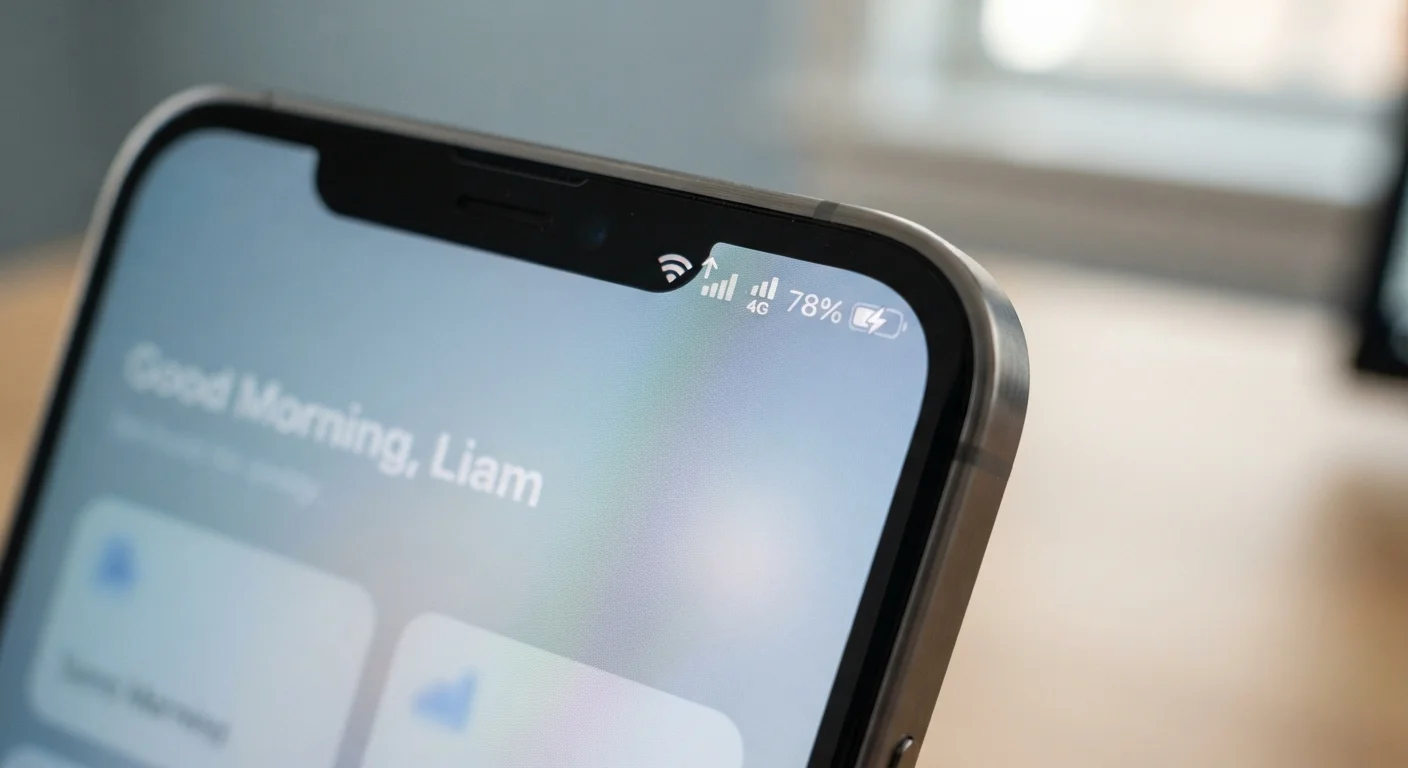
Photo: HorizonMetric.com | One Destination For Everyday Insights editorial
—— In This Article
Key Takeaways
- Your phone prefers Wi-Fi over cellular data by default when a known network is in range.
- A weak Wi-Fi signal can still beat out cellular data in your phone's decision — even when cellular would be faster.
- Wi-Fi Assist (iOS) and Adaptive Connectivity (Android) can automatically switch connections to keep you online.
- Using public Wi-Fi carries security risks that cellular data generally does not.
- Cellular data draws more battery power than Wi-Fi, especially in areas with weak signal.
How Your Phone Picks a Connection
Every time your phone needs to load a page, send a message, or stream a video, it makes a quick decision: use Wi-Fi or use cellular data (the connection provided by your mobile carrier through cell towers). Most of the time you never notice — but understanding that decision can help you troubleshoot slow speeds and avoid surprise data charges.
The basic rule is simple: if your phone is connected to a known Wi-Fi network, it uses Wi-Fi first. Your phone stores a list of networks you've joined before. When it detects one in range, it connects automatically and routes traffic through it rather than your carrier's network.
The catch is "connected" doesn't always mean "working well." Your phone might show full Wi-Fi bars while getting almost no actual data through — for example, when a router is overloaded or your device is at the edge of its range. This is where things get interesting.
| Criterion | Wi-Fi | Cellular Data |
|---|---|---|
| Default priority | Used first when available | Fallback when Wi-Fi is absent or weak |
| Speed potential | High on a good router | Varies by carrier and location |
| Battery impact | Lower drain | Higher drain, especially with weak signal |
| Security on public networks | Lower — shared network risks | Higher — carrier-encrypted connection |
| Data cost | No per-use charge after setup | Counts against your monthly data plan |
| Range | Limited to router range | Works wherever cell coverage exists |
| Automatic switching | Wi-Fi Assist / Adaptive Connectivity may hand off | Takes over when Wi-Fi signal drops too low |
When Phones Switch Automatically — and Why It Sometimes Goes Wrong
Both major mobile platforms have built-in features to handle situations where Wi-Fi isn't cutting it. Apple calls theirs Wi-Fi Assist; it kicks in when your Wi-Fi signal is too weak and silently switches to cellular. Google's Android has a similar mechanism called Adaptive Connectivity on supported devices. These features are helpful, but they can quietly eat through your data plan if you're not aware they're active.
The opposite problem happens too: your phone stubbornly clings to a Wi-Fi network even after you've physically left its range. You'll often see this as a spinning loading icon right after leaving a building — the phone is still trying the old network before giving up and switching to cellular.
~70%
Mobile data traffic delivered over Wi-Fi
Cisco's Visual Networking Index has consistently estimated that a large majority of global mobile data traffic is offloaded to Wi-Fi rather than carried over cellular networks.
3–5×
More power used searching for weak cellular signal
Industry testing has shown that a phone radio actively searching for a weak cell signal can consume several times more power than when it has a strong connection.
You can check which connection you're actively using by looking at the status bar at the top of your phone screen. On most phones, a Wi-Fi fan icon means Wi-Fi is active; bars or a "5G," "LTE," or "4G" label means you're on cellular. If you want to force one or the other, you can toggle Wi-Fi off in your settings or quick-access panel — though that should generally be a temporary fix, not a daily habit.
For a closer look at how public Wi-Fi connections introduce risks cellular doesn't, see what can actually go wrong on public networks.
Battery, Speed, and Security: The Real Differences
Choosing the right connection isn't just about convenience — it has real effects on three things most people care about.
Battery life
Wi-Fi uses less power than cellular in most normal conditions. Cellular radios — especially when searching for a signal in a low-coverage area — are among the biggest battery drains on a smartphone. If you notice your battery dropping quickly in a certain spot, poor cellular reception forcing your phone to work harder is a likely culprit. Your phone's battery meter doesn't always reflect this kind of drain accurately.
Speed
This one depends heavily on context. A strong home Wi-Fi connection on a modern router will typically outpace a cellular connection for downloads. But a congested Wi-Fi network (think: a packed hotel or stadium) may be far slower than even a modest LTE signal. There's no universal winner — it depends on the quality of each connection in that specific moment.
Security
Cellular data is generally more private than public Wi-Fi. Because your connection goes directly through your carrier's encrypted network, it's harder for someone nearby to intercept your traffic. Public Wi-Fi — at coffee shops, airports, hotels — is a shared network where eavesdropping is more feasible. For sensitive tasks like banking, cellular or a trusted home network is the safer choice.
If your home network itself has gaps in coverage that push you onto cellular more than you'd like, understanding Wi-Fi dead zones may help you get more reliable coverage throughout your home.
What About 5G? Does It Change the Equation?
5G — the latest generation of cellular network technology — can reach speeds that rival or exceed many home broadband connections in areas with strong coverage. However, 5G coverage is still inconsistent across the US, and even where it exists, speeds vary widely depending on the type of 5G signal (low-band, mid-band, or high-band). For most people in most places, the Wi-Fi-first rule still makes practical sense for everyday use.

Technology Editorial Team
Technology Editorial Team is the collective byline for our editorial team and contributor network. Articles published under this byline or an editorial pen name are researched, written, and reviewed according to our editorial standards for clarity, consistency, and independence before publication.
View author profile