
Things Worth Knowing Before Mounting a TV on the Wall
Wall-mounting a TV involves more than drilling a few holes. Here's what to think through — from stud placement to cable management.
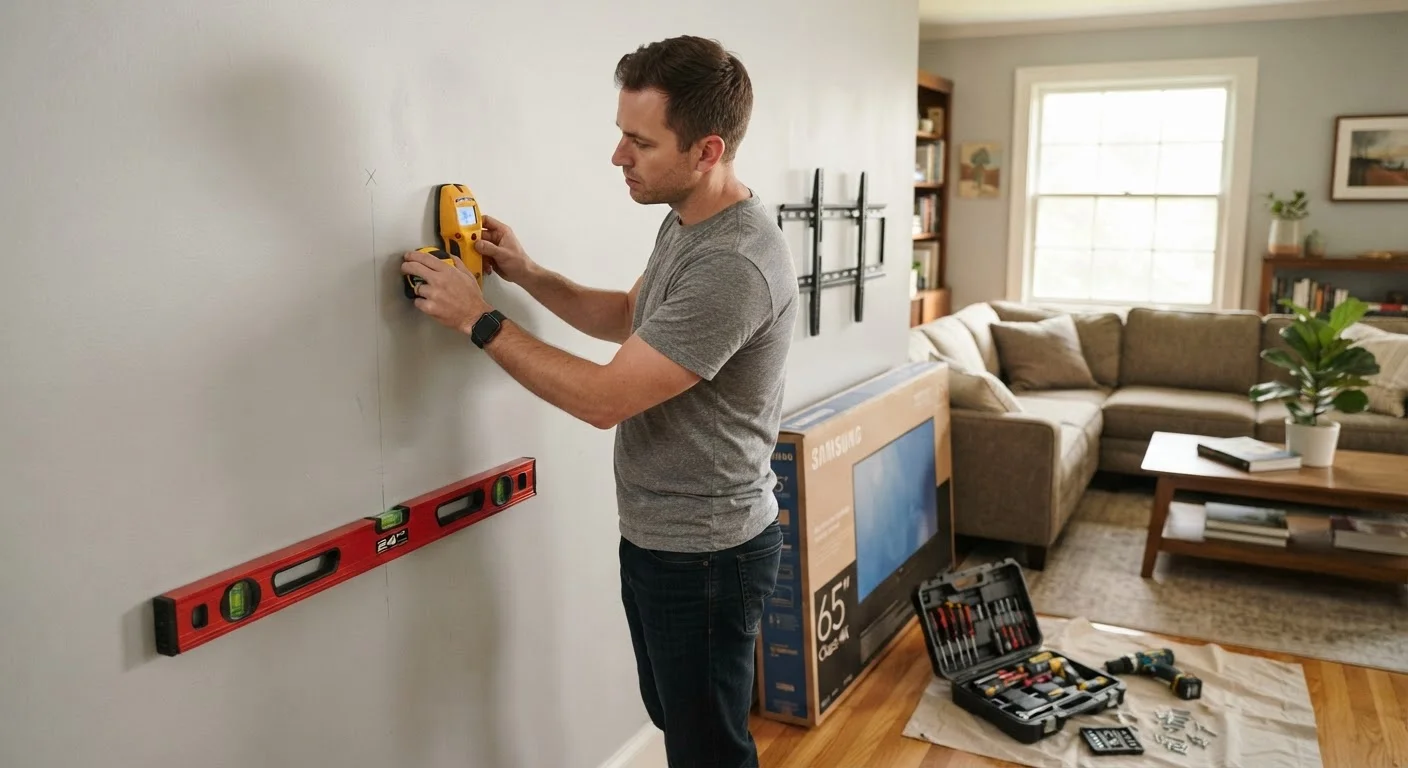
Photo: HorizonMetric.com | One Destination For Everyday Insights editorial
—— In This Article
Key Takeaways
- Locating wall studs before drilling is the single most important step — drywall alone cannot support a TV.
- Your wall type (drywall, plaster, concrete, brick) determines which hardware and tools you need.
- Cable management is easier to plan before mounting than to fix after the TV is on the wall.
- Mount type — fixed, tilting, or full-motion — affects your viewing angle and the installation complexity.
- Some installations may require a permit or a licensed professional, particularly in older homes.
Why Wall-Mounting Is Trickier Than It Looks
Wall-mounting a TV is one of the most popular home tech projects Americans tackle on weekends — and one of the most commonly botched. The finished result looks clean and intentional, but the gap between "drill a couple of holes" and a safely secured screen is wider than most people expect.
A mounted TV that's done right stays put for years. One that's done carelessly can pull out of the wall, taking drywall — and occasionally the TV itself — with it. Before you open the box your mount came in, working through a structured checklist will save you from the most common and costly mistakes.
This checklist is especially useful if you're also thinking about how your TV fits into a broader home setup. If you're planning to connect streaming devices and smart home gear at the same time, see our guide to setting up a smart home from scratch for a broader roadmap.
Wall and Structural Assessment
Choosing the Right Mount
Placement and Viewing Angle
Cable Management Planning
Installation Day Preparation
Tools and Materials You'll Need
Having the right tools assembled before you start prevents mid-project trips to the hardware store. Many first-timers underestimate how many items they'll actually use.
Stud finder
Locates the wood or metal studs inside your wall so you know where it's safe and strong enough to drill.
Multi-scanner or wire detector
Identifies hidden electrical wiring and pipes behind the wall surface before you drill.
Drill with interchangeable bits
Drives pilot holes and lag bolts into studs or masonry depending on your wall type.
Bubble level
Ensures the wall mount bracket is perfectly horizontal before you finalize the bolt positions.
Measuring tape
Used to confirm stud spacing, screen height, and cable routing distances.
Socket wrench or torque wrench
Tightens lag bolts to the mount's required specification — a standard screwdriver usually won't provide enough force.
Painter's tape
Used to mark stud locations and mock up the TV's footprint on the wall without leaving permanent marks.
Cable raceway or conduit kit
Manages and conceals power and HDMI cables along the wall surface for a cleaner finished appearance.
What Can Go Wrong — and How to Avoid It
Most TV mounting disasters fall into a short list of avoidable categories. Understanding them helps you know exactly which checklist items deserve the most attention.
Drywall Anchors Are Not Enough for a TV
Toggle bolts and plastic drywall anchors are designed for light objects like picture frames — not for a 50-inch television. Even anchors rated for higher weights are subject to shear forces that TV mounts create, which can cause them to work loose over time. Always anchor your mount into wall studs. If the stud spacing doesn't align with your mount, consult a professional about adding a backing board.
Older Homes May Have Knob-and-Tube Wiring
Homes built before the 1950s sometimes contain knob-and-tube wiring, which behaves differently from modern electrical systems and can pose fire hazards if disturbed. If your home is older and you're unsure of what's inside your walls, have an electrician assess the area before drilling. This is especially relevant if you're planning in-wall cable management.
Cable management is the other area people regret skipping. Once your TV is bolted to the wall, running power and HDMI cables cleanly becomes significantly harder. If you want a polished look — or if you're building out a full home streaming setup — plan your cable routing before you mount, not after.
In-Wall Electrical Work Requires a Licensed Electrician
Running a new power outlet inside a wall is not a straightforward DIY task in most jurisdictions — it typically requires a permit and must be done by a licensed electrician to meet local building codes. Surface-mount cable raceways are a code-compliant alternative that most homeowners can install themselves. Check with your local building department if you're unsure what applies in your area.

Technology Editorial Team
Technology Editorial Team is the collective byline for our editorial team and contributor network. Articles published under this byline or an editorial pen name are researched, written, and reviewed according to our editorial standards for clarity, consistency, and independence before publication.
View author profile