
Your Router Placement Is Probably Wrong — Here's Where It Should Actually Go
Where you put your router has a bigger impact on speed and coverage than most people realize. Learn the placement principles that matter.
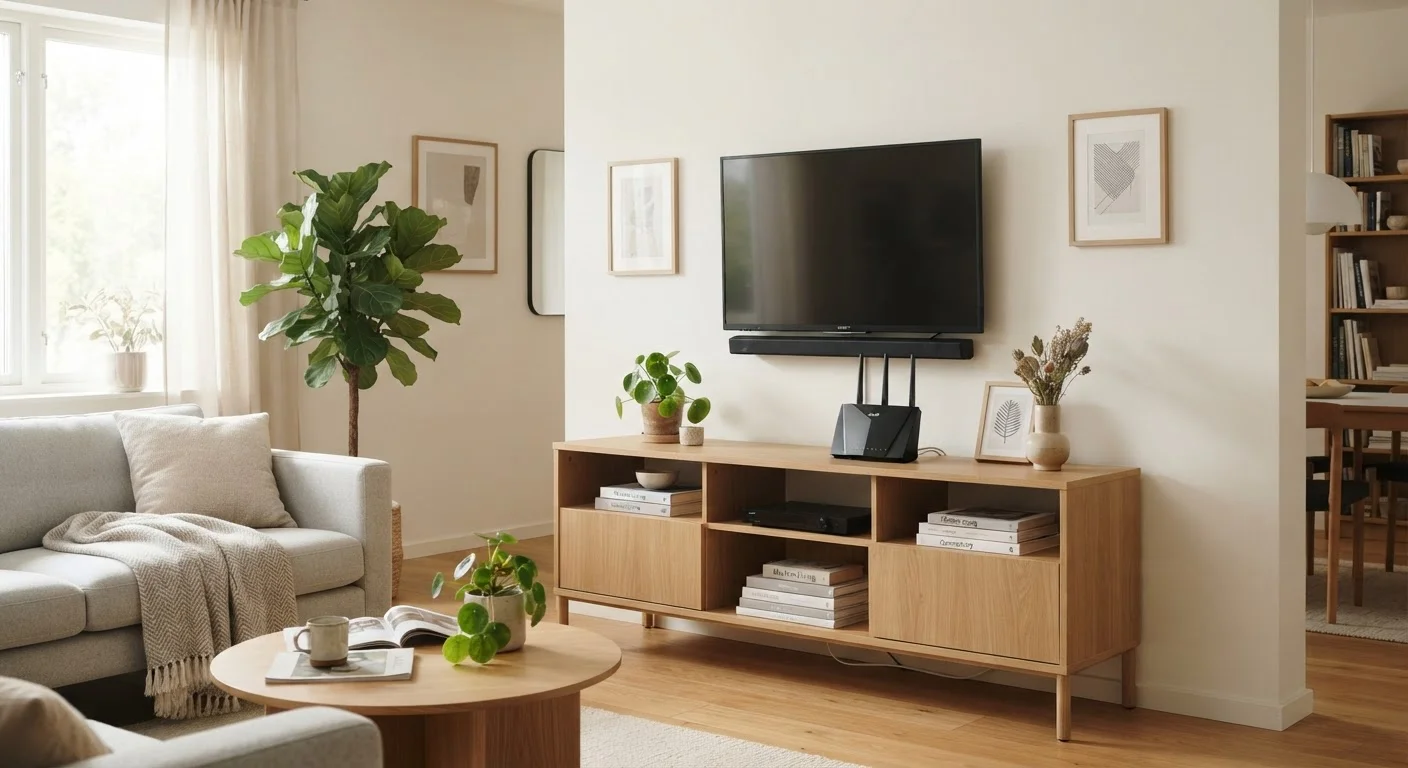
Photo: HorizonMetric.com | One Destination For Everyday Insights editorial
—— In This Article
Key Takeaways
- Routers broadcast signal in all directions, so central placement covers more of your home.
- Physical obstructions like walls, appliances, and furniture significantly weaken Wi-Fi signal.
- Elevation matters — keeping your router off the floor improves coverage noticeably.
- Interference from other electronics can quietly degrade your connection speed.
- Simple placement changes often solve problems people assume require new hardware.
Why Placement Shapes Your Entire Wi-Fi Experience
Most people set up their router wherever the cable company technician left it, or wherever the cord from the wall happens to reach — and then live with whatever connection quality results. But router placement is one of the biggest factors determining whether your Wi-Fi feels fast and reliable or frustratingly spotty.
A router broadcasts signal roughly in all directions, similar to how a light bulb radiates light. If you put that light bulb in a corner, half the light goes into the wall. The same principle applies to your router's wireless signal. Poor positioning wastes coverage that you've already paid for through your internet plan and equipment.
The good news: fixing this costs nothing. Understanding a handful of placement principles can genuinely transform your experience without buying a single new device. If you do run into persistent dead zones after optimizing placement, our guide on why Wi-Fi dead zones happen and how to fix them walks through the next level of solutions.
The Most Common Router Placement Mistakes
These are the errors that quietly rob households of speed and coverage every day.
Placing the router in a corner or against an exterior wall.
Why it happens: The coaxial or ethernet cable from the ISP often enters the home at a perimeter wall, so people just leave the router right there.
Putting the router on the floor or inside a cabinet.
Why it happens: Floors and enclosed cabinets feel tidy and out-of-the-way, and installers sometimes default to low surfaces for convenience.
Setting the router directly next to a microwave, cordless phone base, or baby monitor.
Why it happens: These devices are common in kitchens and countertop areas where a router might also land, and the interference isn't visible.
Hiding the router behind a television or large metal object.
Why it happens: Entertainment centers seem like logical tech hubs, and people naturally group devices together.
Assuming the ISP-installed location is optimized.
Why it happens: Technicians prioritize getting a working connection completed quickly; they're not always evaluating optimal signal distribution for your specific floor plan.
If after addressing these issues you're still seeing problems, it's worth checking what your router's status lights are telling you — sometimes the issue is the router itself signaling a problem, not placement at all.
What Good Router Placement Actually Looks Like
A well-placed router sits in a central location in your home, elevated to roughly desk or shelf height, away from exterior walls, and clear of large metal objects and dense appliances. In a single-story home, that often means a hallway, living room, or open common area. In a multi-story home, a central position on the middle floor — or at minimum, off the ground floor entirely — helps signal reach upper levels.
~30%
Signal loss through a single interior wall
The FCC has noted that standard drywall walls can reduce Wi-Fi signal by roughly 30%, with concrete or brick causing significantly greater losses.
2x
Coverage area improvement from central placement
Moving a router from a corner to a central home location can effectively double the usable coverage area, since signal radiates outward in all directions.
Keep the router's antennas pointing vertically when possible. Most consumer routers are designed to broadcast strongest in a horizontal plane when antennas are upright. If your router has multiple antennas, pointing one vertically and one horizontally can help distribute signal more evenly across floors.
You don't need a clear line of sight to every device, but the fewer dense barriers between the router and your most-used devices, the better. Think about where you actually use the internet most — video calls, streaming, gaming — and weight your placement decision toward those areas. For deeper context on how your router fits into a streaming setup, see our home streaming setup guide.
If your internet entry point is stuck in a far corner or basement, you have options beyond just accepting it. A network switch with an ethernet cable run to a better location, or a mesh system, can extend your reach without sacrificing performance. Our comparison of mesh networks vs. Wi-Fi extenders can help you decide which approach fits your home.
Don't Run Ethernet Through Walls Without Checking First
If you're considering running an ethernet cable through walls to reach a better router location, check whether your home's wall construction or local codes require permits or licensed work for in-wall wiring. In many cases, running cable along baseboards with cable clips is a safer, code-friendly alternative that still gets the job done.

Technology Editorial Team
Technology Editorial Team is the collective byline for our editorial team and contributor network. Articles published under this byline or an editorial pen name are researched, written, and reviewed according to our editorial standards for clarity, consistency, and independence before publication.
View author profile