
Screen Resolution, Refresh Rate, and Brightness: A Plain-English Display Dictionary
4K, 120Hz, nits — a no-nonsense glossary of the display specs you'll encounter on phones, tablets, and TVs.
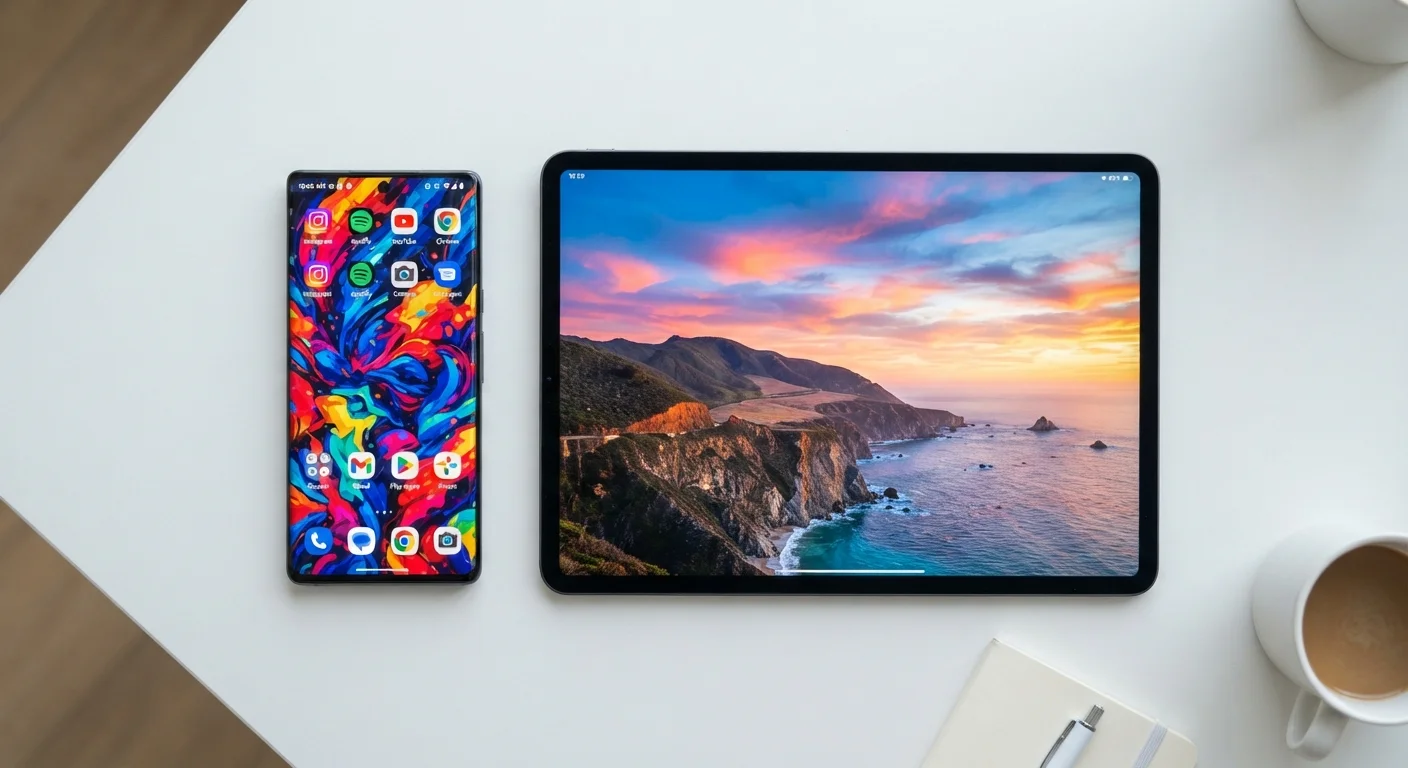
Photo: HorizonMetric.com | One Destination For Everyday Insights editorial
—— In This Article
Why Display Specs Actually Matter to You
When you're picking a phone, tablet, or TV, the spec sheet throws numbers at you fast: 4K, 120Hz, 800 nits. These aren't just marketing padding — they directly affect whether text looks crisp, whether video feels smooth, and whether you can read the screen on a sunny patio. This reference breaks each term down in plain language so you know what you're actually evaluating.
For a broader look at what's happening inside your device, see our plain-language smartphone component guide.
| 4K resolution | 3840 × 2160 pixels (about 8 million total) (Consumer Electronics Association definition) |
| Standard smartphone refresh rate | 60Hz (budget) to 120Hz (mid-range and up) |
| Outdoor readability threshold | ~1,000 nits recommended for direct sunlight (General display industry guideline) |
| HD vs. Full HD | HD = 1280×720; Full HD = 1920×1080 |
| Typical OLED peak brightness | 1,000–2,000 nits on flagship phones |
| Human eye refresh perception | Most people notice smoothness gains up to ~90–120Hz (Broadly cited in display research literature) |
Resolution: Pixels and Sharpness
Resolution describes how many pixels — tiny colored dots — make up the image on screen. You'll see it written as two numbers multiplied together, like 1920×1080 (Full HD) or 3840×2160 (4K). The first number is width; the second is height. Multiply them together and you get the total pixel count.
8M+
Pixels in a 4K display
A 4K panel packs roughly 8.3 million pixels, compared to about 2 million in Full HD (1080p).
120Hz
Common high refresh rate on modern mid-range phones
Many smartphones priced at $400 and above now ship with 90Hz or 120Hz panels as a standard feature.
2,000 nits
Peak brightness on some flagship OLED phones
Peak brightness figures for HDR content can reach 2,000 nits on select flagship devices, though sustained brightness is typically lower.
Here's the catch: resolution alone doesn't tell you how sharp a screen looks. A 4K image on a 75-inch TV looks great, but cramming those same pixels onto a 6-inch phone screen would be almost indistinguishable from Full HD at normal viewing distance — because the pixels are already tiny enough. That's where pixel density (PPI) comes in. PPI measures how tightly those pixels are packed, accounting for screen size. Most people find text and images look sharp at around 300 PPI or above.
Refresh Rate, Response Time, and Motion
Refresh rate is how many times a second your screen redraws what it's showing, measured in hertz (Hz). At 60Hz, the image refreshes 60 times per second — perfectly smooth for reading and standard video. At 120Hz, that doubles, making scrolling through social media or watching fast-moving sports feel noticeably more fluid.
A related term is response time, measured in milliseconds (ms). This describes how quickly a single pixel can switch colors. A low response time (1–5ms) reduces the ghosting or blur you might see trailing behind fast-moving objects in games or action video. Response time matters most to gamers; for everyday use, refresh rate is the more relevant figure.
Specs Don't Tell the Whole Story
A higher number isn't always better in practice. A tablet with 500 nits used mainly indoors may look perfectly fine, while a phone rated at 2,000 nits mostly hits that peak for short HDR bursts. Always consider how and where you'll actually use the screen rather than chasing the largest spec number.
Brightness, HDR, and Color
Brightness is measured in nits. Think of a nit as a candle's worth of light per square meter. A dim indoor monitor might run at 250 nits; a phone meant for outdoor use might hit 1,000 nits or higher in peak mode. The higher the nit count, the easier it is to see the screen in bright conditions.
HDR (High Dynamic Range) goes hand-in-hand with brightness. An HDR-capable screen can show very bright highlights and very deep shadows at the same time, making a sunset in a movie look far more realistic. To experience HDR, both the screen and the content (a streaming show, for example) need to support it.
Color gamut describes the range of colors the display can reproduce. You may see terms like sRGB (the standard for the web and most content) or DCI-P3 (a wider palette used in cinema and high-end streaming). A wider gamut means more vivid, accurate colors — though you'll only notice the benefit when viewing content that was created with that wider range in mind.
For related plain-English reference content on another topic entirely, the skincare ingredient glossary shows how the same dictionary-style approach works across very different subjects.
Resolution
The total number of pixels (tiny colored dots) packed onto a screen, expressed as width × height (e.g., 1920×1080). More pixels generally means a sharper, more detailed image.
Refresh Rate
How many times per second the screen redraws its image, measured in hertz (Hz). A 120Hz display refreshes 120 times a second, making motion appear smoother than a 60Hz panel.
Nits
The unit used to measure screen brightness. One nit equals the light of one candle per square meter. Higher nit counts make screens easier to read in sunlight.
Pixel Density (PPI)
Pixels per inch — how tightly pixels are packed relative to screen size. A small screen with high resolution has high PPI and looks sharper than a large screen with the same resolution.
HDR
High Dynamic Range. A display standard that supports a wider range of brightness and color, showing deeper blacks and brighter highlights simultaneously for more lifelike images.
Color Gamut
The total range of colors a display can produce. A wider gamut (e.g., DCI-P3) means more vivid, accurate colors, especially visible in photos and streaming video.
Response Time
How quickly an individual pixel can change color, measured in milliseconds (ms). Lower response times reduce motion blur, which matters most in fast-paced video games.
OLED / LCD
Two common display technologies. OLED pixels produce their own light (enabling true blacks by turning off completely), while LCD panels use a backlight behind a liquid-crystal layer.
Putting It All Together
When you're evaluating a screen, think about your actual use case. Reading indoors? Resolution and PPI matter most. Gaming? Prioritize refresh rate and response time. Watching video in bright outdoor spaces? Look for higher nit counts and HDR support. No single spec defines a great display — they work together.
Once you know what to look for, you can also make better decisions about keeping your devices healthy long-term. Practical habits for maintaining your screens and devices can help your gear last longer without sacrificing performance.

Technology Editorial Team
Technology Editorial Team is the collective byline for our editorial team and contributor network. Articles published under this byline or an editorial pen name are researched, written, and reviewed according to our editorial standards for clarity, consistency, and independence before publication.
View author profile