
Smartphone Storage: Why 128GB Fills Up Faster Than You'd Expect
Understand the difference between advertised and usable storage, and what quietly eats up space on your phone.
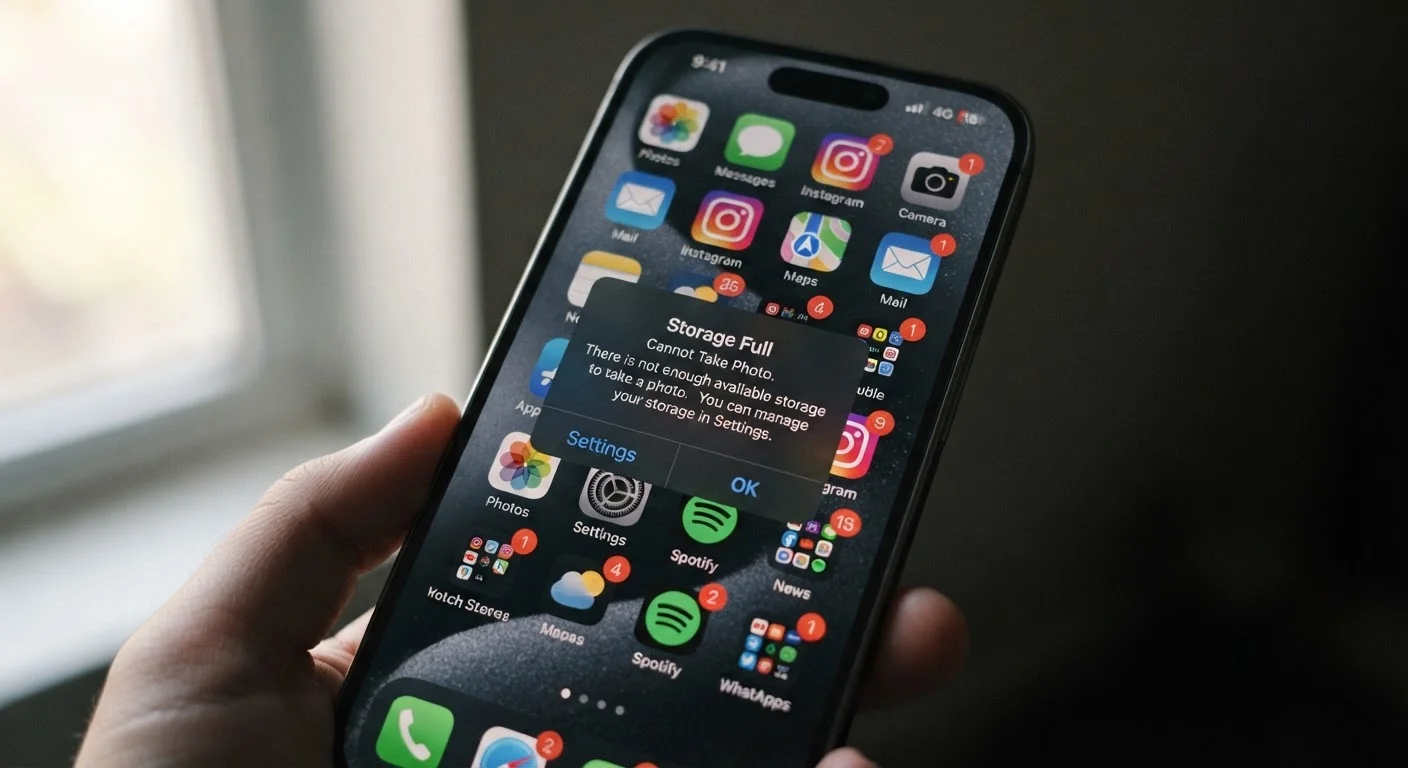
Photo: HorizonMetric.com | One Destination For Everyday Insights editorial
—— In This Article
Key Takeaways
- A 128GB phone typically gives you around 100–115GB of usable space after the OS and system files take their share.
- The operating system, pre-installed apps, and system data are the first things to claim your storage — before you download a single app.
- Photos and videos are the biggest ongoing storage consumers on most people's phones.
- App cache files — temporary data apps store for speed — quietly grow over time and can be cleared to reclaim space.
- Cloud backup and streaming services reduce local storage pressure but require a reliable internet connection.
- Understanding where your storage goes helps you make smarter decisions when choosing a phone's capacity.
The Gap Between '128GB' and What You Actually Get
You buy a phone advertised as 128GB, turn it on, and immediately notice the available storage reads something closer to 110GB — or even less. That missing space hasn't disappeared; it was never yours to begin with.
Two things explain most of the gap. First, there is a measurement difference: phone manufacturers count a gigabyte as exactly one billion bytes, but your phone's operating system counts a gigabyte as roughly 1.07 billion bytes. That difference quietly reduces every advertised number by around 7 percent before you even factor in software.
Second, the operating system itself — iOS or Android — lives on your phone's storage. So do essential system files, recovery partitions, and the pre-installed apps that come loaded out of the box. On a typical 128GB device, this overhead can consume anywhere from 10GB to 20GB, depending on the manufacturer and how many apps they bundle in.
For a deeper look at the hardware behind this, see our plain-language guide to what's inside your smartphone.
~10–20GB
Storage consumed by OS and system files on a new phone
The exact amount varies by manufacturer and pre-installed app bundle; some Android phones with heavy manufacturer customization sit at the higher end of this range.
~400MB
Storage used per minute of 4K video
Actual file size varies by codec and settings, but 4K footage recorded on modern smartphone cameras routinely reaches this range.
~7%
Apparent storage lost to measurement differences alone
This gap arises because manufacturers use decimal gigabytes while operating systems report in binary units, reducing every labeled capacity before any software is installed.
What Quietly Eats Your Storage Every Day
Once you get past the system overhead, the steady drain begins. Here is where most people's storage actually goes:
- Photos and videos: A single minute of 4K video can take up 400MB or more. If you shoot frequently — family events, travel, everyday moments — your camera roll grows fast. High-resolution photos from modern phone cameras also average several megabytes each.
- App data and cache: Apps don't just take up space when you install them. They accumulate data over time — downloaded content, saved preferences, temporary files called 'cache.' A social media app you use daily might show a 200MB install size but hold several gigabytes of cached images and videos.
- Offline content: Music playlists, podcasts, navigation maps, and streaming video downloaded for offline use add up quickly. A single offline playlist or downloaded map of a major city can run into multiple gigabytes.
- System updates: Operating system updates are downloaded to your storage before installation. During that window, your phone needs enough free space to hold both the update file and your existing data simultaneously.
Check Your Storage Breakdown Before Deleting Randomly
On both iPhone and Android, the Settings app has a Storage section that shows exactly what is using space, broken down by category. Take two minutes to review it before deleting apps or files at random — you may find that one category (like cached app data or downloaded offline content) is responsible for most of the problem.
It is also worth understanding how storage relates to the phone's memory. These are two different things — storage holds your files long-term, while RAM handles what the phone is actively doing right now. Our article on RAM vs. storage explains the distinction clearly.
Practical Ways to Reclaim and Manage Space
You do not always need a bigger phone — you often need a better sense of where the space is going.
Most phones include a built-in storage breakdown in the Settings app. It categorizes usage by photos, apps, system, and other data, making it easier to spot what is taking the most room. Start there before deleting anything blindly.
Clearing app cache is one of the quickest wins. On Android, you can do this per-app in Settings under Storage. On iPhones, the equivalent is usually offloading and reinstalling the app, which removes accumulated data while keeping the app's icon and core settings in place.
Cloud backup services can shift photos and videos off your device entirely while keeping them accessible. This works well when you have a reliable internet connection, though it does mean your media is not available if you are offline.
If you are switching to a new phone and need to migrate everything carefully, our guide to setting up a new smartphone walks through that process step by step. And for broader habits that keep your device running well over time, see our advice on keeping your devices running well for longer.
Frequently Asked Questions

Technology Editorial Team
Technology Editorial Team is the collective byline for our editorial team and contributor network. Articles published under this byline or an editorial pen name are researched, written, and reviewed according to our editorial standards for clarity, consistency, and independence before publication.
View author profile