
Living Online Safely: A Grounded Guide to Everyday Internet Security
From passwords to privacy settings to spotting scams, this end-to-end guide covers the habits and knowledge that keep everyday Americans safer online.
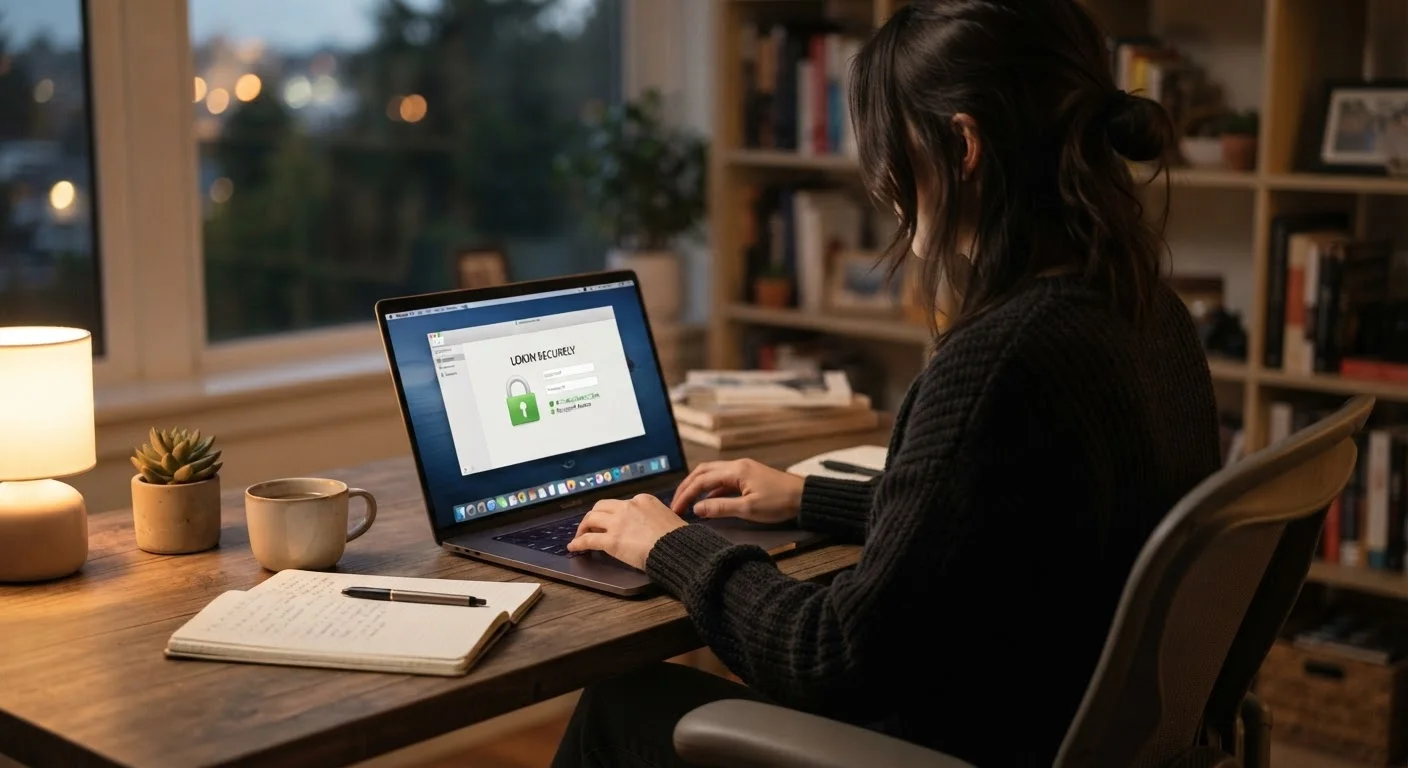
Photo: HorizonMetric.com | One Destination For Everyday Insights editorial
—— In This Article
Key Takeaways
- Strong, unique passwords combined with two-factor authentication block most common account attacks.
- Phishing scams now convincingly mimic trusted institutions — pause before clicking any unexpected link.
- Default privacy settings on social platforms and apps usually share more than most people intend.
- Keeping software updated closes the security gaps attackers most commonly exploit.
- Public Wi-Fi carries real risks; a few simple habits reduce exposure significantly.
Why Everyday Internet Security Matters
Most people think of cyberattacks as something that happens to large companies or high-profile individuals — not to someone checking email or shopping from a couch. That assumption is exactly what makes ordinary internet users attractive targets.
According to the Federal Trade Commission, identity theft and online fraud consistently rank among the most reported consumer complaints in the United States. Criminals often automate their attacks, casting wide nets rather than targeting specific people. That means your accounts, your data, and your money are worth protecting regardless of how unremarkable your online life feels.
The good news: the habits that protect you the most are not complicated or expensive. They are mostly consistent, low-effort practices that, once in place, become second nature.
5.7M+
Fraud and identity theft reports filed annually
According to the Federal Trade Commission's Consumer Sentinel Network data.
80%
Of breaches involve weak or stolen passwords
A figure cited in Verizon's Data Breach Investigations Report across multiple annual editions.
$10B+
Lost to online fraud by Americans in a single year
The FBI's Internet Crime Complaint Center (IC3) has reported losses exceeding this threshold in recent annual reports.
Passwords and Account Access
Weak or reused passwords are the single most common way accounts get compromised. When one site suffers a data breach, attackers test those leaked username-and-password combinations across dozens of other sites automatically — a technique called credential stuffing.
The practical fix is straightforward: use a different, strong password for every account, and let a password manager generate and store them for you. A password manager is software — often built into your browser or available as a standalone app — that remembers complex passwords so you don't have to.
Pair that with two-factor authentication (2FA) on every account that supports it. 2FA means that logging in requires both your password and a second proof of identity — typically a code sent to your phone or generated by an app. Even if someone steals your password, they still can't get in without that second step.
Prioritize 2FA on your email account above all others. Your email is the master key — it's used to reset nearly every other password you have.
Attackers who gain access to an email account can trigger password resets across banking, shopping, and social accounts in minutes.
When evaluating a password manager, look for one that stores your data in encrypted form and has undergone independent security audits — details reputable providers publish openly.
Encryption and independent auditing are meaningful quality signals that go beyond marketing claims.
Recognizing and Avoiding Scams
Phishing is the practice of tricking you into handing over sensitive information — passwords, credit card numbers, Social Security numbers — by pretending to be someone you trust. These messages arrive by email, text, phone call, or even social media direct message.
Modern phishing attempts are sophisticated. They replicate logos, copy writing styles, and spoof sender addresses convincingly. A few reliable warning signs cut through the noise:
- Urgency or threats: Messages warning that your account will be closed, a package can't be delivered, or you owe taxes immediately are designed to make you act before you think.
- Unexpected requests: Legitimate banks, government agencies, and tech companies rarely ask for passwords, PINs, or full Social Security numbers via email or text.
- Mismatched links: Hover over any link (without clicking) to see the real destination address. If it doesn't match the supposed sender's website, don't click.
When in doubt, go directly to the organization's official website by typing the address yourself rather than following a link in the message.
Gift Card Requests Are Always a Scam
No government agency, tech support team, utility company, or legitimate business will ever ask you to pay a debt or resolve a problem using gift cards. If anyone requests payment in gift cards — by phone, email, or text — it is a scam, regardless of how official it sounds. Hang up or do not respond, and report it to the FTC at reportfraud.ftc.gov.
Privacy Settings and Your Digital Footprint
Every app you install, every account you create, and every search you run adds to a profile of your habits and preferences. Much of this data collection is disclosed in privacy policies — which almost nobody reads — and controlled through settings menus that aren't always easy to find.
A practical starting point is to review the privacy settings on accounts you use most often. Social platforms in particular default to sharing more information than most users realize. Our guide to social media privacy settings walks through how to tighten those controls platform by platform.
Beyond social media, consider:
- Reviewing which apps on your phone have access to your location, microphone, and contacts — and revoking access you don't actively need.
- Using your browser's private or incognito mode when researching sensitive topics, keeping in mind that this limits local tracking but does not make you invisible to your internet provider or the sites you visit.
- Checking whether your email address has appeared in known data breaches using a reputable breach-notification service.
Keeping Devices and Networks Secure
Software updates are less exciting than new features, but they are one of the most important security actions you can take. Developers regularly patch vulnerabilities — weaknesses in code that attackers can exploit — and those patches only protect you once you've installed them. Enabling automatic updates on your phone, computer, and apps removes the friction of remembering to do it manually.
Your home Wi-Fi network is another layer worth attention. Using a strong, unique router password (not the factory default), keeping your router's firmware updated, and ensuring your network uses WPA3 or WPA2 encryption — a data-scrambling standard — reduces the risk of unwanted access. For a deeper look, see our overview of home network security habits.
When you're away from home, public Wi-Fi carries its own risks. Public Wi-Fi is riskier than it looks — avoid logging into financial accounts or entering sensitive information on open networks unless you're using a trusted VPN (a Virtual Private Network, which encrypts your connection).
Also understand what the padlock icon in your browser actually means. Our explainer on the difference between HTTP and HTTPS clarifies what that symbol does and doesn't guarantee about a site's trustworthiness.
Building Safer Online Habits for the Long Term
Online security isn't a one-time project — it's an ongoing practice. The threats evolve, platforms change their settings, and new devices enter your home. Treating security as a periodic check rather than a one-and-done task keeps you ahead of most risks.
A simple quarterly routine can cover most of the ground:
- Review account activity and connected apps on your major accounts, removing anything unfamiliar.
- Check that software updates have been applied across all devices.
- Refresh any passwords that you suspect may have been reused or exposed.
- Revisit privacy settings on apps after major updates, which sometimes reset preferences.
None of this requires technical expertise. It requires consistency. The people most at risk online are not those with the least technical knowledge — they're those who assume the risk doesn't apply to them. Building a modest, regular habit of checking in on your digital security is one of the most practical steps any American can take to protect their financial information, personal privacy, and peace of mind.
Make Your Security Review a Habit
Set a calendar reminder once a quarter to spend 15 minutes on account hygiene: check connected apps, review recent login activity, and confirm your recovery contact information is current. Small, scheduled check-ins prevent small oversights from becoming serious problems.

Technology Editorial Team
Technology Editorial Team is the collective byline for our editorial team and contributor network. Articles published under this byline or an editorial pen name are researched, written, and reviewed according to our editorial standards for clarity, consistency, and independence before publication.
View author profile