
Password Manager vs. Memorizing Passwords: What Security Experts Actually Recommend
Is storing all your passwords in one app safe? Weigh the real risks and benefits of password managers against the alternatives.
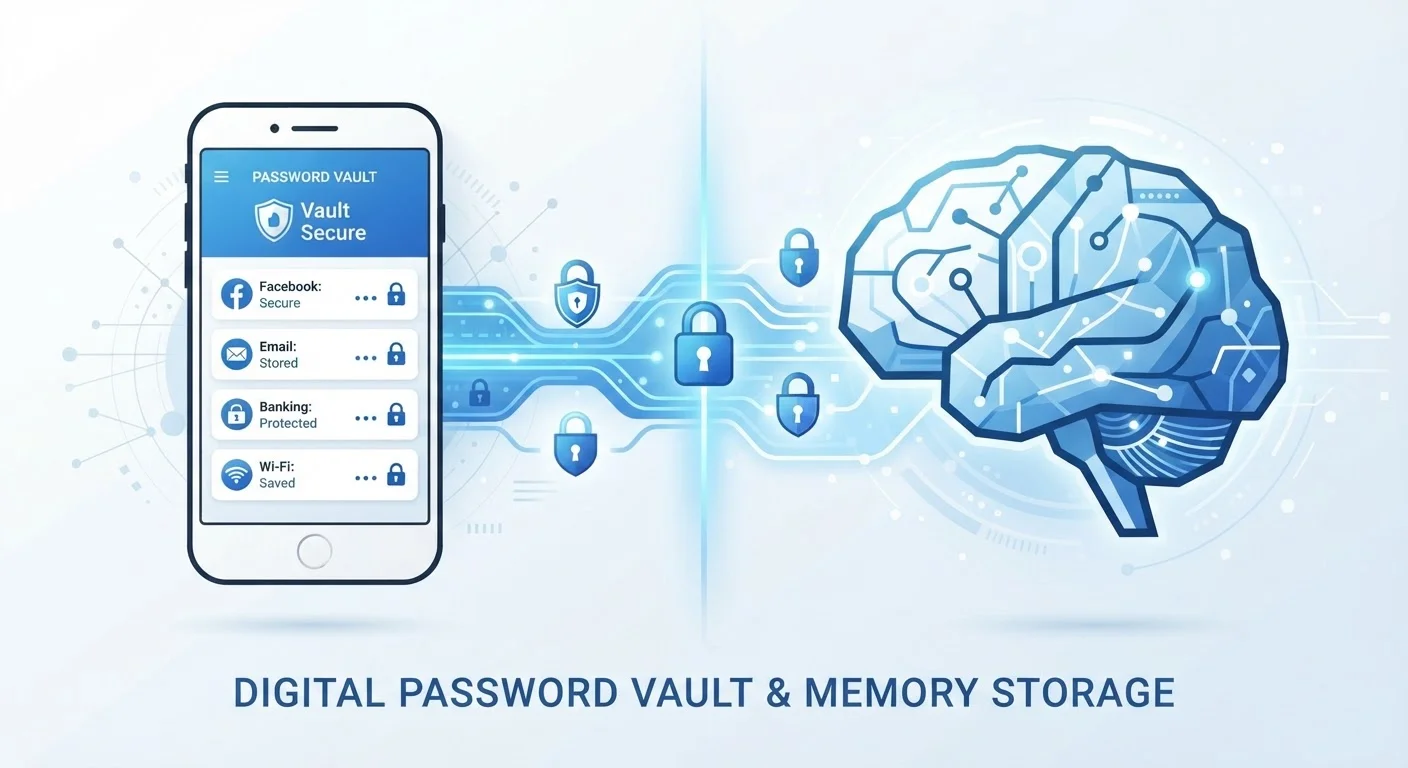
Photo: HorizonMetric.com | One Destination For Everyday Insights editorial
—— In This Article
Key Takeaways
- Security researchers broadly recommend password managers as the more practical path to strong, unique passwords.
- Memorizing passwords works only if each account uses a genuinely different, complex credential — which most people don't do.
- Password reuse is among the most common ways accounts get compromised after a data breach.
- Password managers concentrate risk in one place, but reputable ones use strong encryption that protects your vault even if their servers are breached.
- Pairing either approach with two-factor authentication significantly raises your overall account security.
Why This Question Actually Matters
Most data breaches don't happen because hackers cracked your password through brute-force effort. They happen because a site you used years ago leaked your credentials — and you reused that same password everywhere else. That single habit, password reuse, is the engine behind a huge share of account takeovers.
So the real question isn't just "manager or memory?" — it's whether your current approach produces passwords that are unique, long, and hard to guess for every account. That bar is harder to clear than most people realize. For a fuller look at the habits that keep you safer online, see this grounded guide to everyday internet security.
| Criterion | Password Manager | Memorizing Passwords |
|---|---|---|
| Unique passwords per account | Yes, generated automatically | Only if you're very disciplined |
| Password strength | Long, random, very strong | Varies; often weaker in practice |
| Risk of reuse | Very low | High for most people |
| Third-party dependency | Yes — app or cloud service | None |
| Breach monitoring | Often built-in | Manual — you must check yourself |
| Lockout risk | If master password is forgotten | If memory fails or you change habits |
| Scalability | Handles hundreds of accounts easily | Breaks down beyond a few accounts |
The Case for a Password Manager
A password manager is an app — either installed on your device or accessible through a browser extension — that stores your login credentials in an encrypted vault. You remember one strong master password; the manager handles the rest.
The practical upside is significant. The manager can generate a random, 20-character password for every site you visit, then fill it in automatically. You never need to think about it again. This directly solves the reuse problem because you're not choosing the passwords yourself.
The common concern is the "single point of failure" worry: what if someone gets into your vault? Reputable managers encrypt your data locally before it ever leaves your device, meaning even if the company's servers were breached, attackers would see scrambled data they can't read without your master password. That's a meaningful protection — though it also means your master password must be genuinely strong and something you don't forget.
80%+
Of breaches linked to weak or reused passwords
Verizon's annual Data Breach Investigations Report has consistently found that a large majority of hacking-related breaches involve stolen or weak credentials.
~100
Average number of passwords per person
NordPass research has estimated that the average internet user manages close to 100 passwords across personal and work accounts.
Password managers also flag reused or weak passwords already in your vault and alert you when a site you use appears in a known data breach. That's active monitoring most people don't do on their own.
The Case for Memorizing Passwords
Memorizing passwords keeps your credentials entirely in your own head — no app, no cloud service, no third-party involved. For people who are deeply uncomfortable trusting any software with their logins, this feels like the more private and self-sufficient choice.
It can work, but with a critical caveat: it only works if you're actually using a different, complex password for every account. In practice, most people who rely on memory end up reusing a few familiar passwords with minor variations — "MyDog2018!" becomes "MyDog2019!" — and that pattern is well-known to attackers.
A more sustainable memory-based approach uses passphrases — four or five unrelated words strung together (think: "correct-horse-battery-staple" style). These are longer than typical passwords, genuinely harder to crack, and easier for humans to remember. But even passphrases need to be unique per account, which quickly becomes difficult to manage at scale.
Passphrases Are Stronger Than They Look
A passphrase like "grape-lantern-Tuesday-cloud" is both more memorable and mathematically harder to crack than a short string of symbols like "P@ss1!" — because length matters more than complexity in password security. The catch is you still need a different one for every account. If a single passphrase gets leaked in a breach, any account sharing it becomes vulnerable, regardless of how creative it was.
It's also worth noting that memorization gives you no protection against breach notifications. If a site leaks your password, you have to notice it yourself and update every place you used that credential. A manager automates that awareness.
The One Thing Both Approaches Need
Whichever route you choose, two-factor authentication is the most important layer you can add. Two-factor authentication (2FA) means that even if someone has your password — memorized or manager-stored — they still can't log in without a second verification step, like a code sent to your phone.
Passwords alone, no matter how strong, can be leaked through no fault of your own if a site stores them poorly. 2FA breaks the attack chain even after that happens.
Password security also intersects with how and where you're connecting. Logging into accounts over public Wi-Fi adds exposure that no password strategy fully covers on its own. And if you have old accounts you've long forgotten, those can be a vulnerability regardless of how you manage active passwords — it's worth reviewing accounts you no longer need and closing them.
The bottom line from most security researchers: a password manager used consistently, combined with 2FA and awareness of your broader online habits, is the most practical security posture for the average person. Memory alone can work in limited cases — but only when the discipline is genuinely there.

Technology Editorial Team
Technology Editorial Team is the collective byline for our editorial team and contributor network. Articles published under this byline or an editorial pen name are researched, written, and reviewed according to our editorial standards for clarity, consistency, and independence before publication.
View author profile