
Phishing, Smishing, and Vishing: Three Scams That Catch People Off Guard
Scammers reach you by email, text, and phone. Understand how phishing, smishing, and vishing work so you can recognize them before they cause harm.
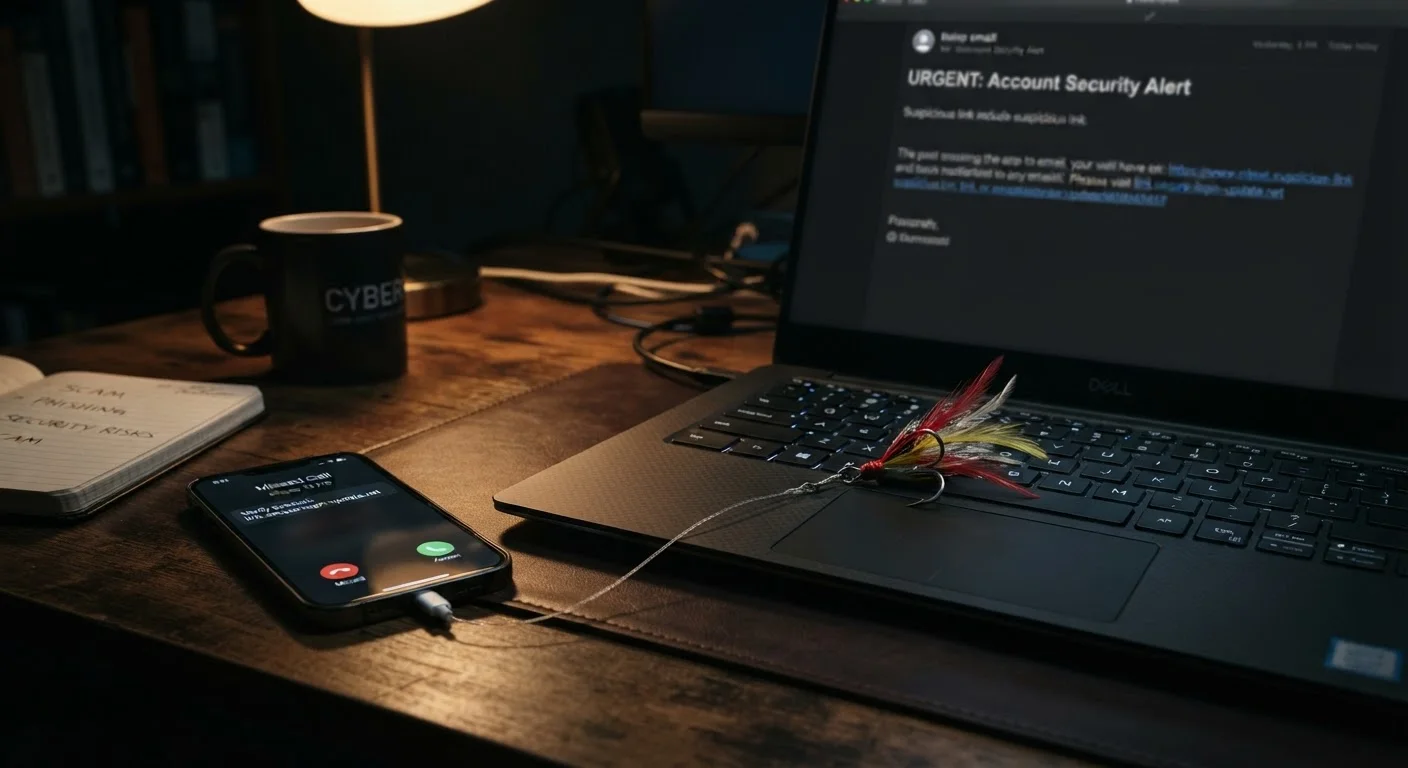
Photo: HorizonMetric.com | One Destination For Everyday Insights editorial
—— In This Article
Why These Three Scams Keep Working
Scammers aren't hacking into your accounts with complex software most of the time — they're simply asking you to hand over your information. That's the idea behind phishing, smishing, and vishing: impersonate someone you trust, create a sense of urgency, and wait for you to click, reply, or call back.
These scams work across every age group and income level because they exploit normal human habits. You're used to getting emails from your bank. You expect text messages about package deliveries. You pick up the phone when an unfamiliar number calls. Scammers count on exactly that.
Understanding how each method operates — and how it differs — is the most practical defense you have. See our grounded guide to everyday internet security for the broader habits that keep you safer online.
Phishing
A scam delivered by email in which an attacker impersonates a trusted organization to trick you into revealing sensitive information or clicking a harmful link.
Smishing
A phishing attack delivered via SMS text message. The term combines 'SMS' and 'phishing.' These messages often impersonate delivery services, banks, or government agencies.
Vishing
Voice phishing — a scam carried out over the telephone. A caller pretends to represent a legitimate organization and pressures you to share personal or financial information.
Two-Factor Authentication
A security feature that requires a second form of verification — such as a code sent to your phone — in addition to your password. It makes accounts significantly harder to compromise even if your password is stolen.
Social Engineering
Manipulation tactics that exploit human psychology — urgency, fear, or trust — rather than technical vulnerabilities to gain access to information or systems.
Credential Harvesting
The act of tricking a person into entering their username and password into a fake website or form so an attacker can capture and misuse those login details.
Phishing, Smishing, and Vishing: What Each One Means
Phishing arrives by email. You get a message that looks like it's from your bank, a government agency, a streaming service, or a retailer. It typically warns you of a problem — a suspicious charge, an expired password, a held shipment — and asks you to click a link. That link leads to a fake site designed to capture your login credentials, credit card number, or Social Security number.
Smishing is the same idea delivered by SMS text message. The name combines "SMS" and "phishing." Texts feel more personal and immediate than email, and many people let their guard down because they associate texts with friends and family rather than scammers. Common setups include fake package tracking alerts, fake bank fraud warnings, and fake prize notifications.
Vishing — "voice phishing" — happens over the phone. A caller claims to be from the IRS, Social Security Administration, Medicare, your bank, or even a tech company offering support. They apply pressure: your account is compromised, you owe back taxes, your computer has a virus. The goal is to get you to read out account numbers, authorize a wire transfer, or install remote-access software.
| Phishing delivery channel | |
| Smishing delivery channel | SMS text message |
| Vishing delivery channel | Phone call (voice) |
| Most common vishing impersonation targets | IRS, Social Security Administration, banks, tech support (FTC Consumer Sentinel data) |
| Where to report phishing emails | reportphishing@apwg.org (Anti-Phishing Working Group (APWG)) |
| Where to report smishing texts | Forward to 7726 (SPAM) (FCC recommendation) |
| Where to report vishing calls | ReportFraud.ftc.gov (Federal Trade Commission) |
Red Flags Across All Three Channels
The delivery method changes, but the warning signs are consistent:
- Urgency and threats. Legitimate organizations rarely demand you act within minutes or face immediate consequences.
- Requests for sensitive information. Your bank, the IRS, and Social Security will not ask for your full account number, PIN, or password over email, text, or an unsolicited phone call.
- Mismatched sender details. In emails, hover over the sender address — it often reveals a domain that has nothing to do with the company being impersonated. In texts, look for unusual phone numbers or short codes you don't recognize.
- Generic greetings. "Dear Customer" instead of your actual name is a common tell in phishing emails.
- Pressure to use unusual payment methods. Gift cards, wire transfers, and cryptocurrency are payment methods no legitimate government agency or bank will request.
If you use public Wi-Fi regularly, you may face additional exposure to credential-harvesting attempts — see our article on why public Wi-Fi is riskier than it looks for more context.
Scammers Impersonate Real Organizations
When you receive a suspicious email or text, look up the organization's official contact information independently — don't use any phone number or link provided in the suspicious message itself. Government agencies like the IRS initiate contact by postal mail, not unsolicited phone calls or texts. If you're ever unsure, hanging up and calling back through an official number is always the safer choice.
Practical Steps If You Suspect an Attack
If you receive a suspicious email, text, or call, slow down before you do anything else. Here's what helps:
- Don't click links in the message. Go directly to the company's website by typing the address yourself, or call the number on the back of your card.
- Hang up on suspicious callers. You can always call the organization back using a number from their official website.
- Report it. Forward phishing emails to the Anti-Phishing Working Group at reportphishing@apwg.org. Report smishing texts to 7726 (SPAM). File complaints about vishing calls with the FTC at ReportFraud.ftc.gov.
- Change passwords immediately if you think you already clicked a link or shared information. Enable two-factor authentication — a second verification step beyond your password — on important accounts.
A cluttered inbox makes phishing emails easier to miss. Our article on reclaiming your inbox from spam can help you cut the noise.

Technology Editorial Team
Technology Editorial Team is the collective byline for our editorial team and contributor network. Articles published under this byline or an editorial pen name are researched, written, and reviewed according to our editorial standards for clarity, consistency, and independence before publication.
View author profile