
Signs That an Email Isn't What It Claims to Be
Fraudulent emails are designed to look legitimate. Learn the specific red flags that reveal a suspicious message before you click anything.
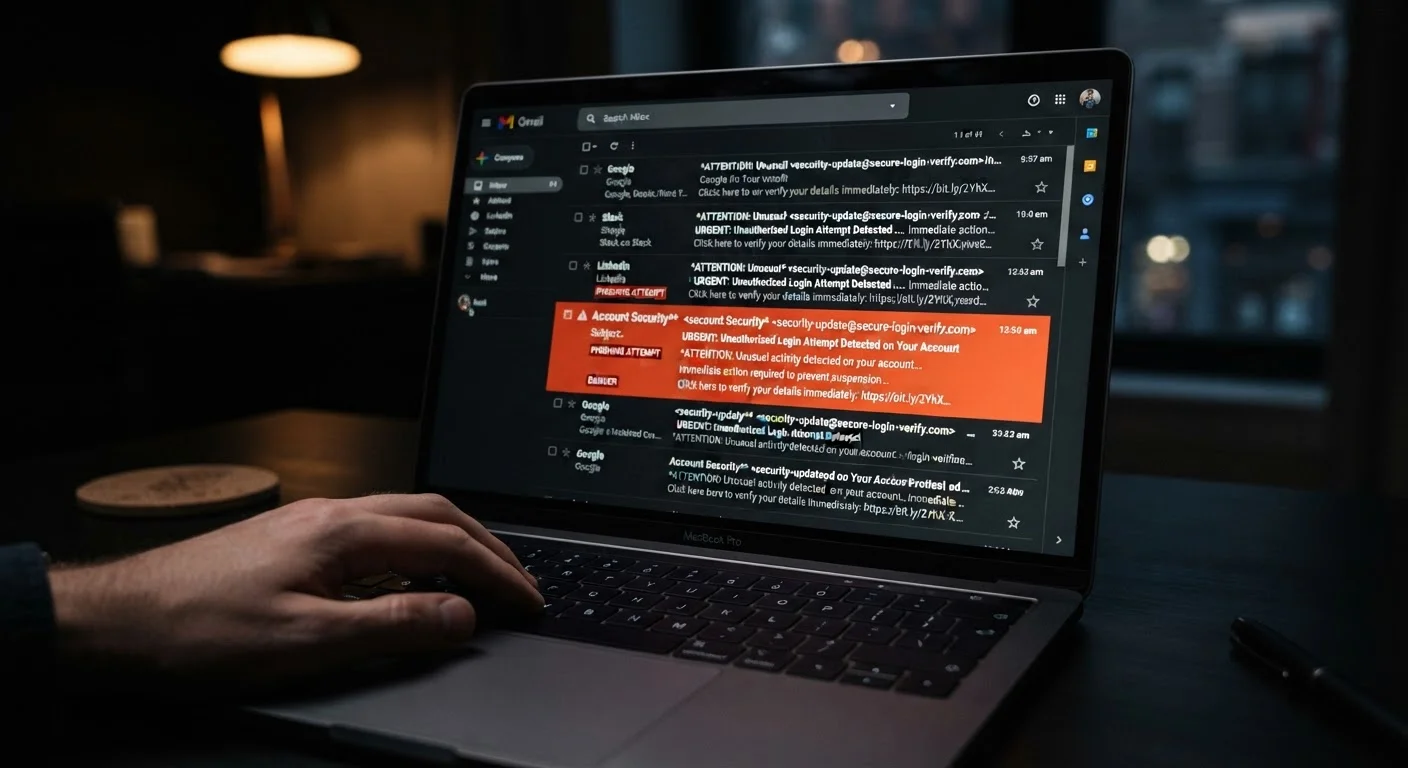
Photo: HorizonMetric.com | One Destination For Everyday Insights editorial
—— In This Article
Key Takeaways
- The sender's display name can be faked; always check the actual email address behind it.
- Urgency and fear are the most common emotional levers scammers use to rush you into mistakes.
- Hover over links before clicking — the real destination often has nothing to do with the claimed sender.
- Legitimate organizations rarely ask for passwords, Social Security numbers, or payment details by email.
- Even well-crafted fraudulent emails leave behind small, detectable inconsistencies if you know where to look.
Why Spotting a Fake Email Is Harder Than It Sounds
Scammers no longer send obviously garbled messages full of typos and wild promises. Today's fraudulent emails are polished — they borrow real logos, mimic authentic formatting, and copy the exact tone a bank or delivery service might use. That polish is the point: the harder it is to distinguish a fake from the real thing, the more likely someone clicks.
Understanding how these messages work is the first step. For a broader look at how email scams fit into the wider landscape of digital fraud, see our guide on phishing, smishing, and vishing. This checklist focuses specifically on the signals inside an individual email that can reveal it isn't what it claims to be — before you click, reply, or download anything.
Email client's 'Show Original' or 'View Headers' feature
Reveals the full technical path an email traveled, helping you spot spoofed sender addresses or suspicious routing.
Link preview (hover-over)
Shows the real destination URL of any hyperlink before you click — built into nearly every desktop email client and modern browser.
Official website or customer service line of the claimed sender
Lets you verify independently whether a message is genuine without relying on any contact information in the suspicious email.
FTC ReportFraud portal (reportfraud.ftc.gov)
Allows you to report suspected fraud to U.S. federal authorities, contributing to broader consumer protection efforts.
The Red Flag Checklist: What to Examine Before You Trust Any Email
Work through each group below whenever an email makes you pause. You don't need to find every warning sign — even one or two should prompt caution.
Sender Identity
Tone and Pressure Tactics
Links and Attachments
Content and Requests
Language and Formatting
Clicking 'Unsubscribe' on a Suspicious Email Can Backfire
On genuine marketing emails, the unsubscribe link works as intended. On a fraudulent message, clicking it can confirm to the sender that your address is active — potentially increasing the volume of scam attempts you receive. If an email looks suspicious, mark it as spam through your email provider rather than engaging with any links inside it.
What to Do When You Spot These Signs
Finding one or more of these red flags doesn't mean you're helpless. The safest immediate step is to not interact with the message at all — don't click links, don't open attachments, and don't reply. If the email claims to be from your bank, a government agency, or a service you actually use, contact that organization directly through their official website or a phone number you find independently, not one provided in the email.
Most email providers let you report a message as phishing or spam, which helps their systems protect other users too. If you've already clicked a link and entered information, change your passwords immediately and, if financial data was involved, contact your bank or card issuer. An inbox full of suspicious messages is also worth addressing systematically — our guide on reclaiming your inbox from spam covers practical steps to reduce the noise.
If You've Already Clicked, Act Quickly
Time matters if you've interacted with a fraudulent email. Change your password for any affected accounts immediately, using a device you're confident is secure. If you entered payment information, call your bank or card issuer directly to report potential fraud. Avoid using the same compromised password on any other account — password reuse gives attackers access far beyond the original target.
This article is for informational purposes only. It is general digital safety education, not legal or security consulting advice. If you believe you've been the victim of fraud, contact your financial institution and consider reporting the incident to the FTC at reportfraud.ftc.gov.

Technology Editorial Team
Technology Editorial Team is the collective byline for our editorial team and contributor network. Articles published under this byline or an editorial pen name are researched, written, and reviewed according to our editorial standards for clarity, consistency, and independence before publication.
View author profile